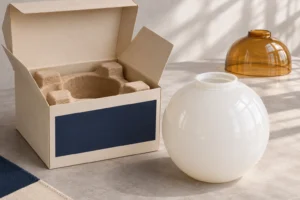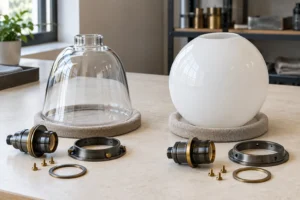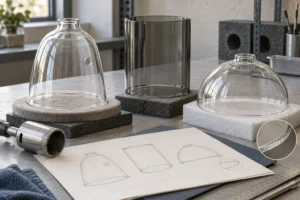
Private label glass lamp shades are glass lighting components sold under a retailer’s or lighting brand’s own name. Before ordering, approve where the brand appears, how the box protects the shade, and which barcode identifies each sellable unit. Ask for one packed sample that matches the intended production materials. Fit the shade, unpack the box and scan the label before you release the order.
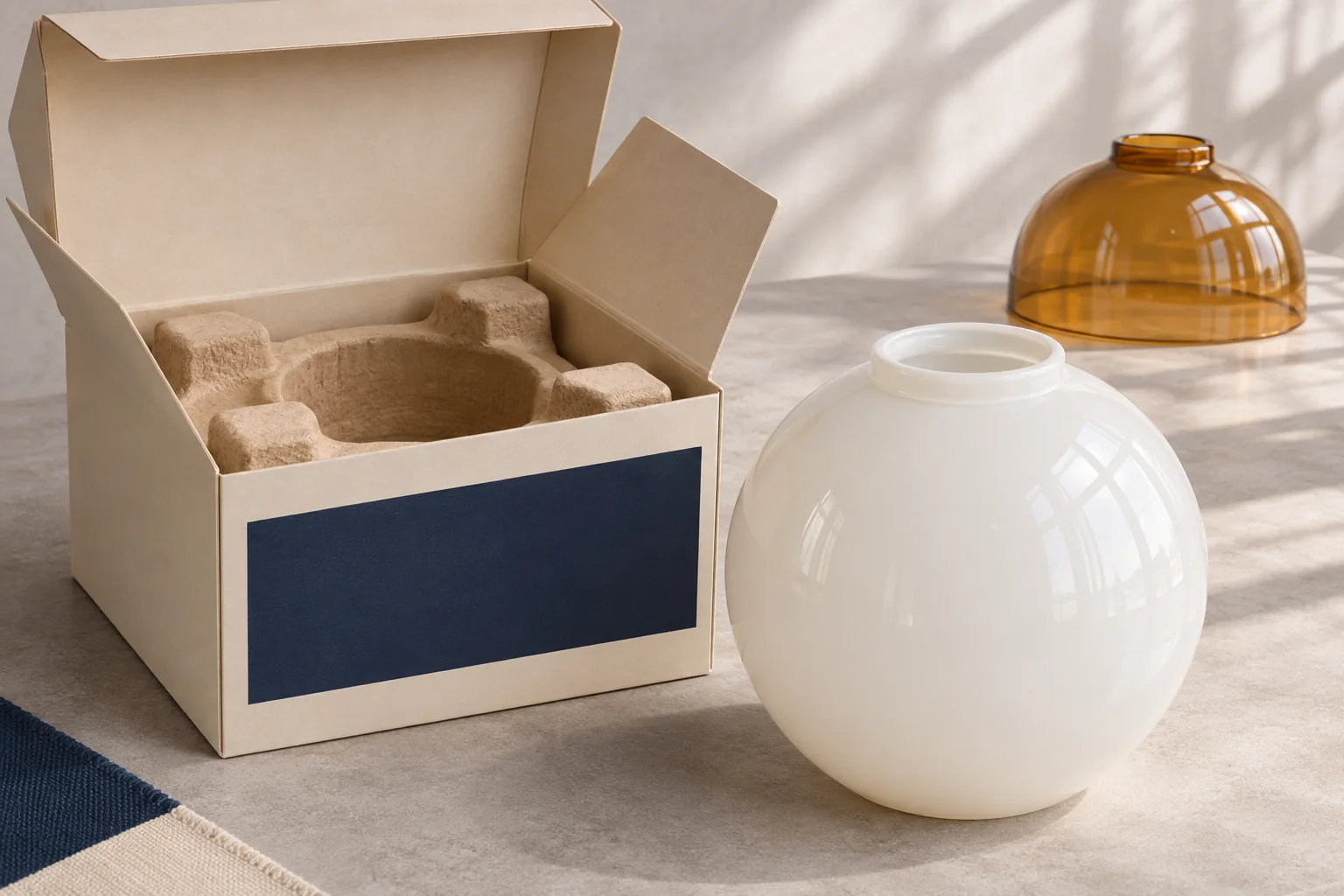
The images are AI-generated illustrations of procurement decisions. They depict conceptual products, packaging and label layouts.
Choose what the retail customer will actually buy
Decide whether the shade is sold on its own, inside a boxed light fixture, or as a two-pack. The same opal globe can appear in all three offers. Set up a packaging and item record for each offer. A shade supplied only as part of a finished fixture may need just an internal part number. If you also sell that part separately as a replacement, set up the replacement offer and its compatibility information separately.
Use a catalogue shape when you can match the fitter, silhouette and finish the range needs. Allow extra sampling and setup time if the brief calls for a glass mark or a new shape. Give the supplier the fixture drawing or holder sample before selecting the insert. The opening and rim define what the insert can touch. See JX’s glass shade program for lighting brands for the product details that go into that review.
Should the logo go on the glass or the box?
For shelf visibility with plain glass in the installed fixture, put the brand on the box. A discreet on-glass mark makes sense when service teams need to identify a loose part after the box has been discarded. For a visible logo, mark where it should sit when the shade is installed.
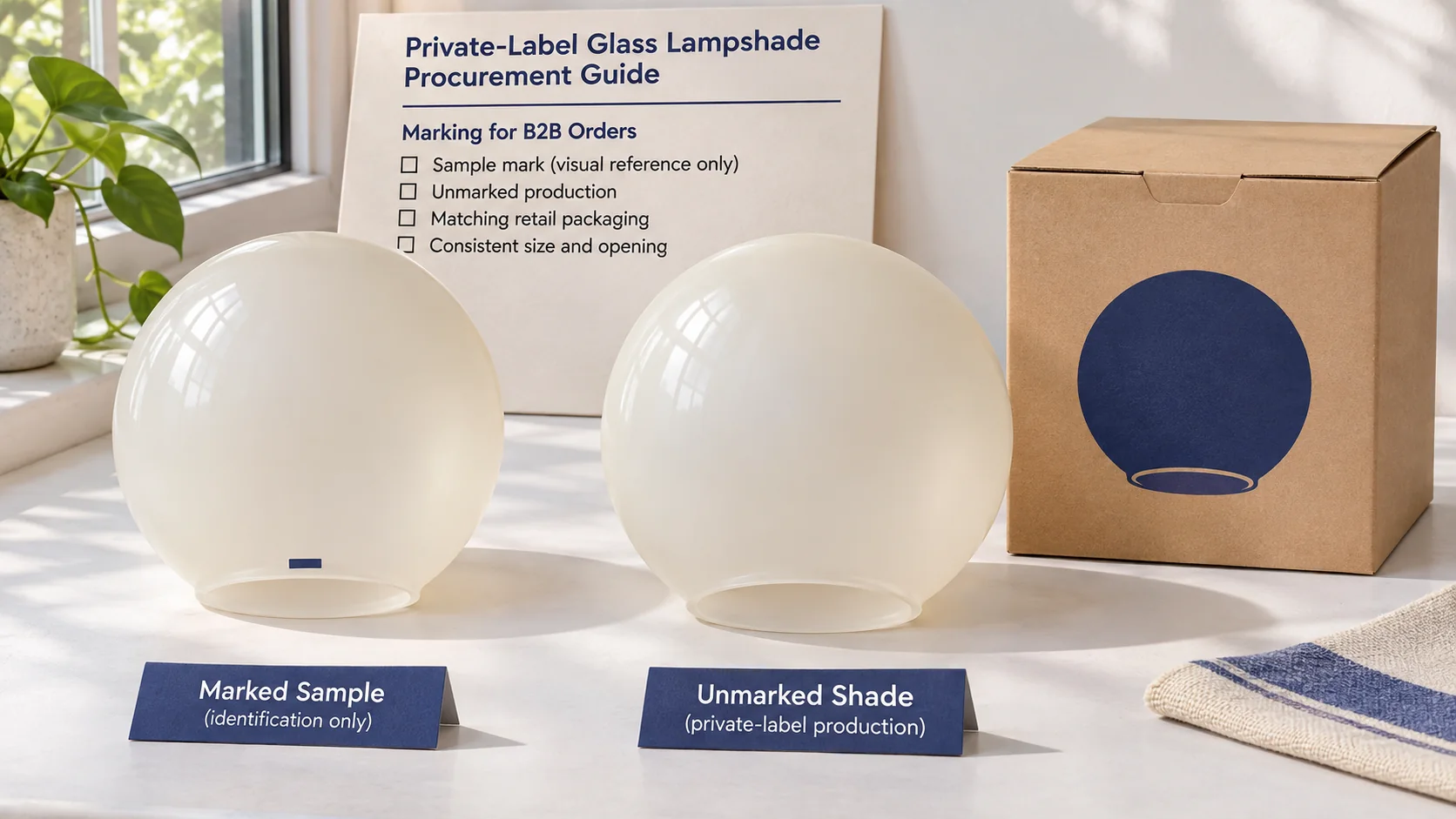
| Branding route | What to approve |
|---|---|
| Box or insert only | Artwork, stock, print color and version by SKU |
| Discreet mark on the glass | Location, readability and clearance from the holder |
| Visible mark on the glass | Appearance on the approved finish, lit and unlit |
Send vector artwork and a photo or drawing with the allowable mark area highlighted. Specify the orientation relative to a feature the supplier can locate, such as a fitter opening or molded rib. Leave the fitting surface free of decoration unless the design review confirms that the mark can sit there. A tiny logo on a curved rim can look acceptable on a flat proof and distorted on the actual shade.
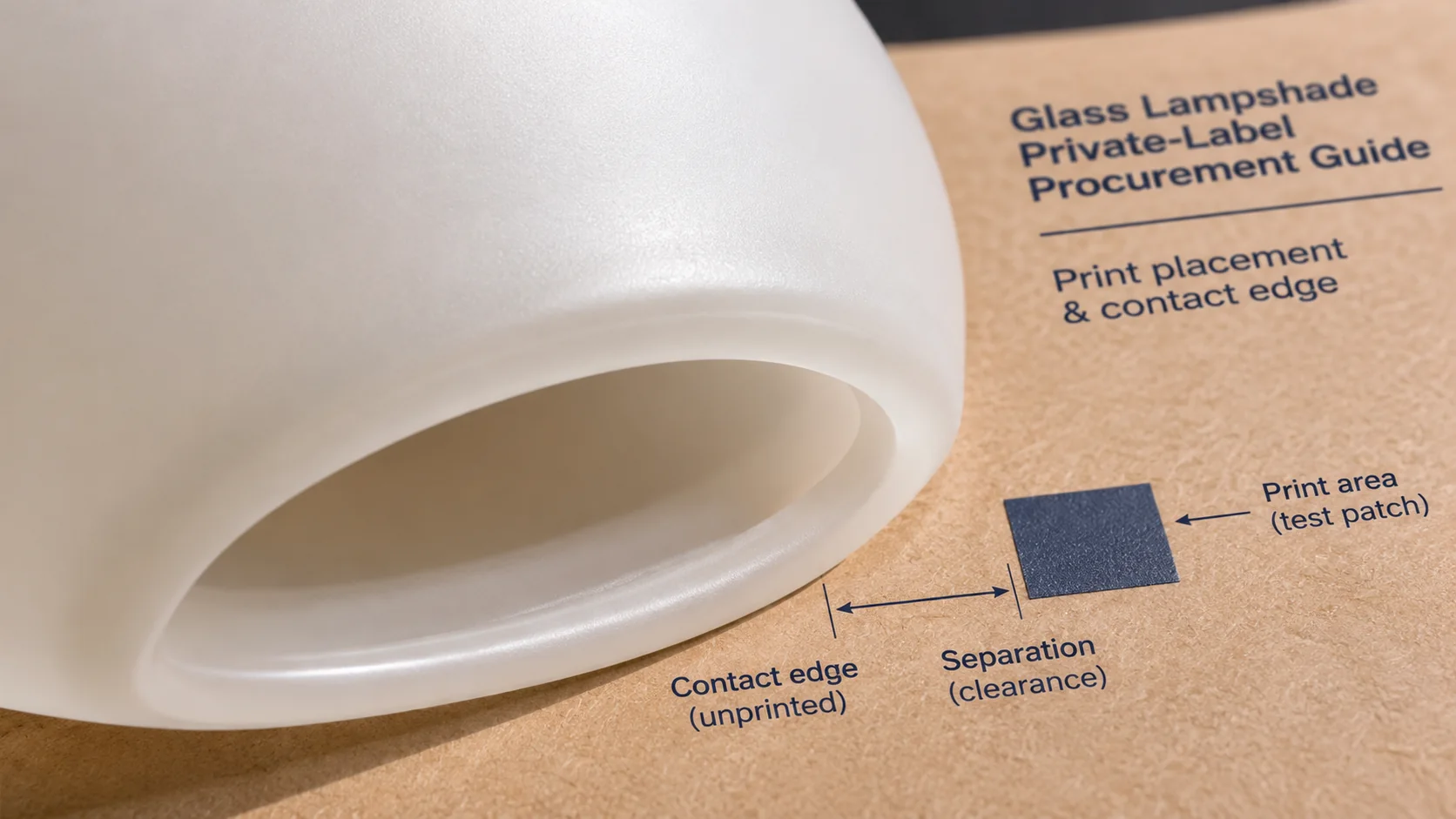
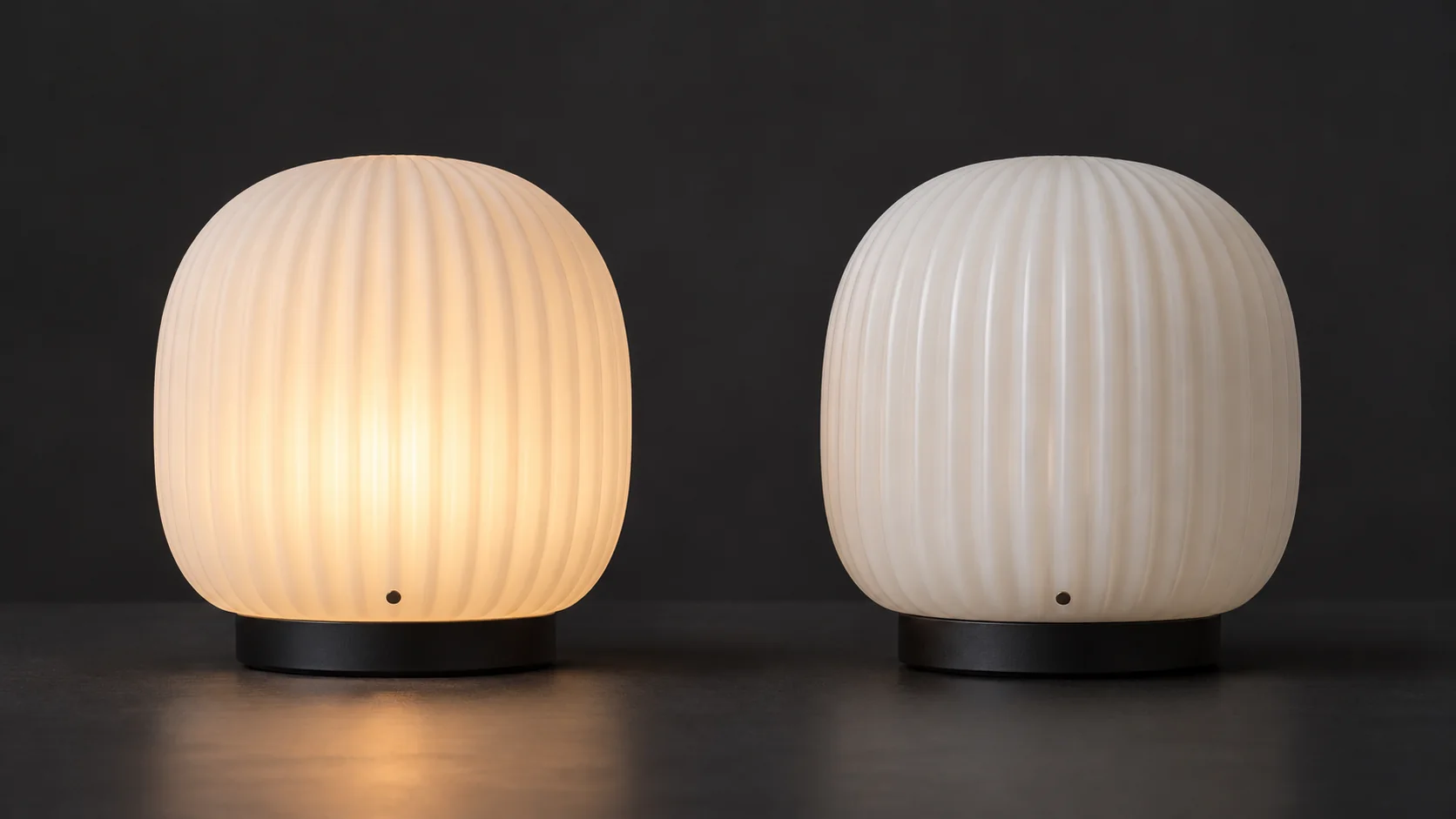
Review the mark after installation in the intended holder. A holder may hide it completely, while a transparent or frosted finish can make a mark more noticeable when the lamp is on. Confirm the cleaning or handling conditions that the decoration needs to withstand and agree on how the supplier will check it. For process and sample details, see the glass screen printing guide.
How should the retail box hold a fragile glass shade?
Start with the contact points. On a globe with a narrow neck, ask to see how the insert supports the body while keeping the neck clear of the carton. On a shallow bowl, review the open rim and the points that keep the shade centered. Specify a protective surface where the finish could rub. Once you have an insert sample, try unpacking it. A customer should be able to lift the shade without prying against a thin edge.
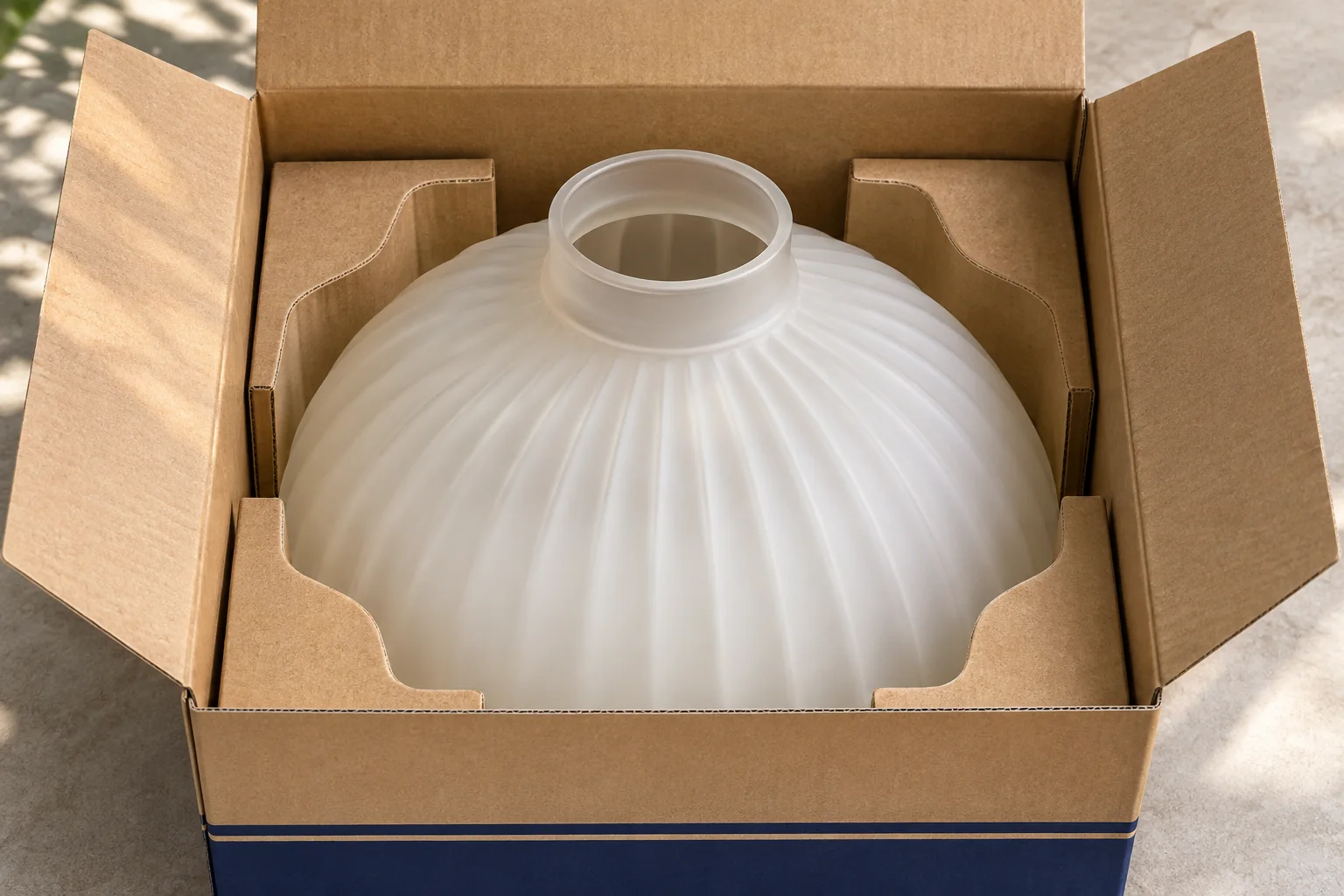
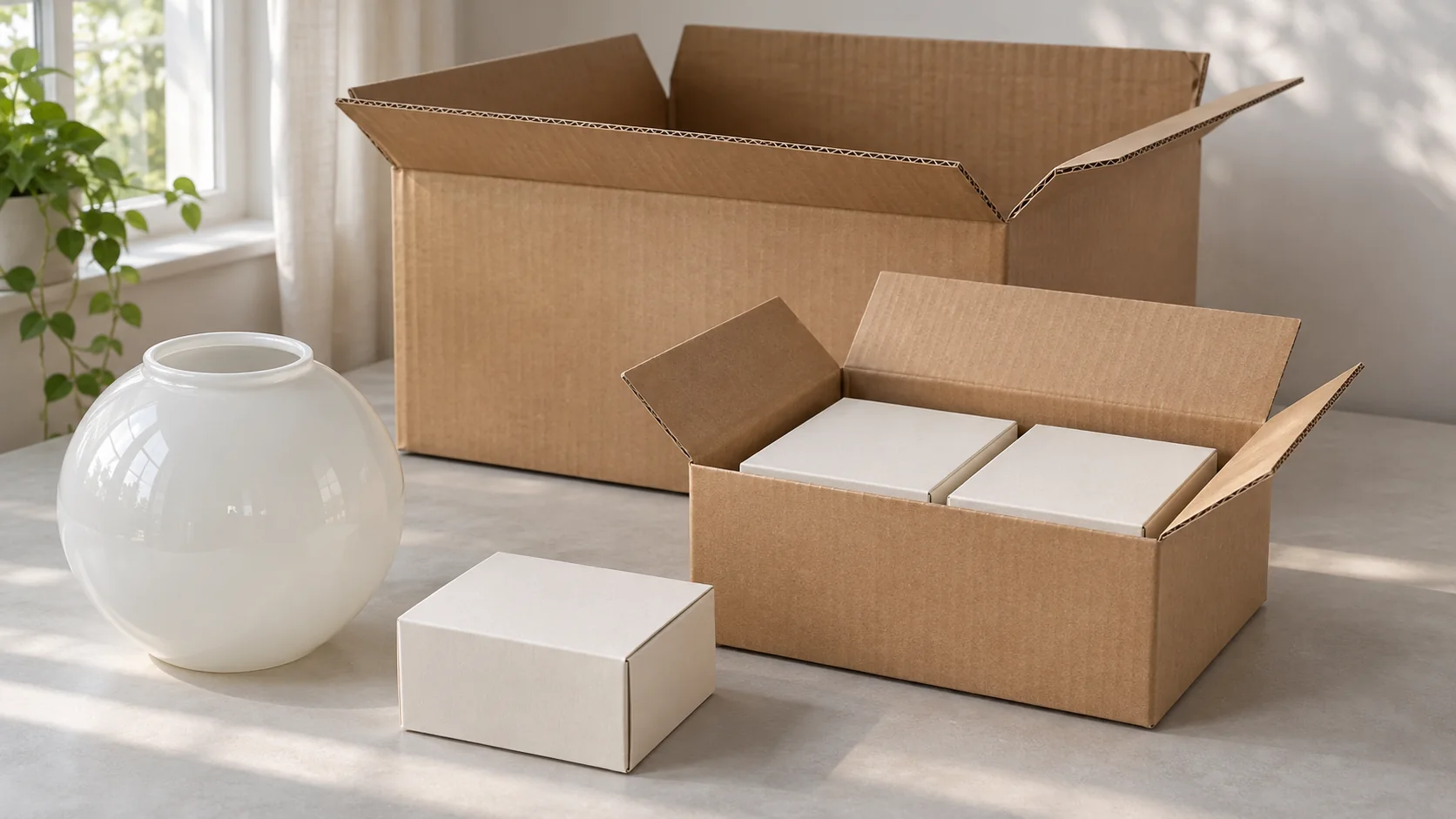
Set the outer dimensions after you have checked the insert and glass together. Request the packed dimensions and gross weight before committing to a shelf footprint or parcel budget. If your retail box goes into a separate parcel shipper, include that layer in the test plan. A box evaluated inside a wholesale master carton may face different handling when it ships individually.
Record the retail unit, inner pack and master carton as separate levels. The retail unit carries customer-facing information. The master carton may carry receiving details such as SKU, quantity, destination or lot, according to the buyer’s requirements. Confirm whether the inner pack is a sellable offer, an orderable trade item or simply a divider in the shipping carton. See the wholesale packaging and label requirements for the information to include on a distributor order.
Who assigns the GTIN, and which pack gets which code?
The brand owner normally allocates the Global Trade Item Number, or GTIN. For an own-label range, that is usually the retailer or the company that owns the brand and specifies the product. Give the packaging supplier the approved item-to-code mapping and specify who signs off the printed proof. GS1 guidance on who assigns GTINs
The buyer SKU belongs in your purchasing and inventory records. A GTIN identifies a trade item. The barcode is the machine-readable symbol that carries the identifier. Keep them in separate fields so the printer cannot accidentally use a factory item number or a placeholder as the retail code. Confirm the required symbology and any channel-specific labels with the retailer before handing off artwork.
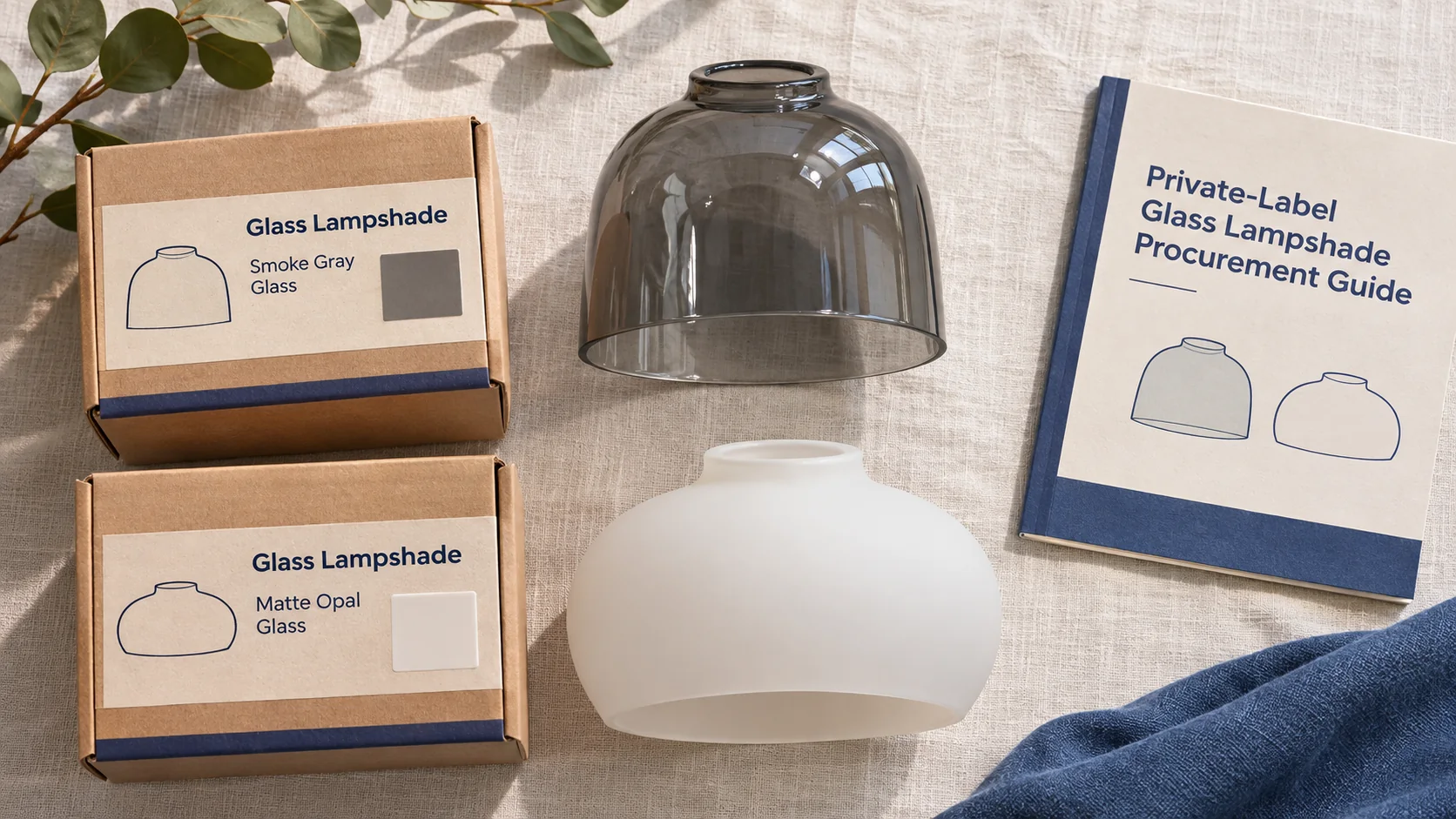
Consider a hypothetical launch with an opal globe and a smoke globe. Each color is sold singly, and the opal globe is also offered as a sellable two-pack. Set up three retail item records. If the warehouse separately orders a case of six opal singles as a trade item, it has a case-level record. A switch from six singles to eight calls for a case-level GTIN change under the GS1 pack-quantity rule. The unchanged single can keep its GTIN. A change to the primary brand follows a different rule, so review the exact change before approving a relabel. GS1 GTIN Management Standard
Where should the barcode go on the retail box?
Reserve a flat, smooth panel and enough blank space on both sides of the barcode. Keep the symbol away from folds, seams, box edges and closure tape. For items scanned at checkout, the lower right of the back panel is a common starting point. Confirm the final placement against the chosen symbol, package and trading partner’s requirements. Request the barcode file at the correct print size before placing it in the dieline. GS1 US barcode placement and printing guidance
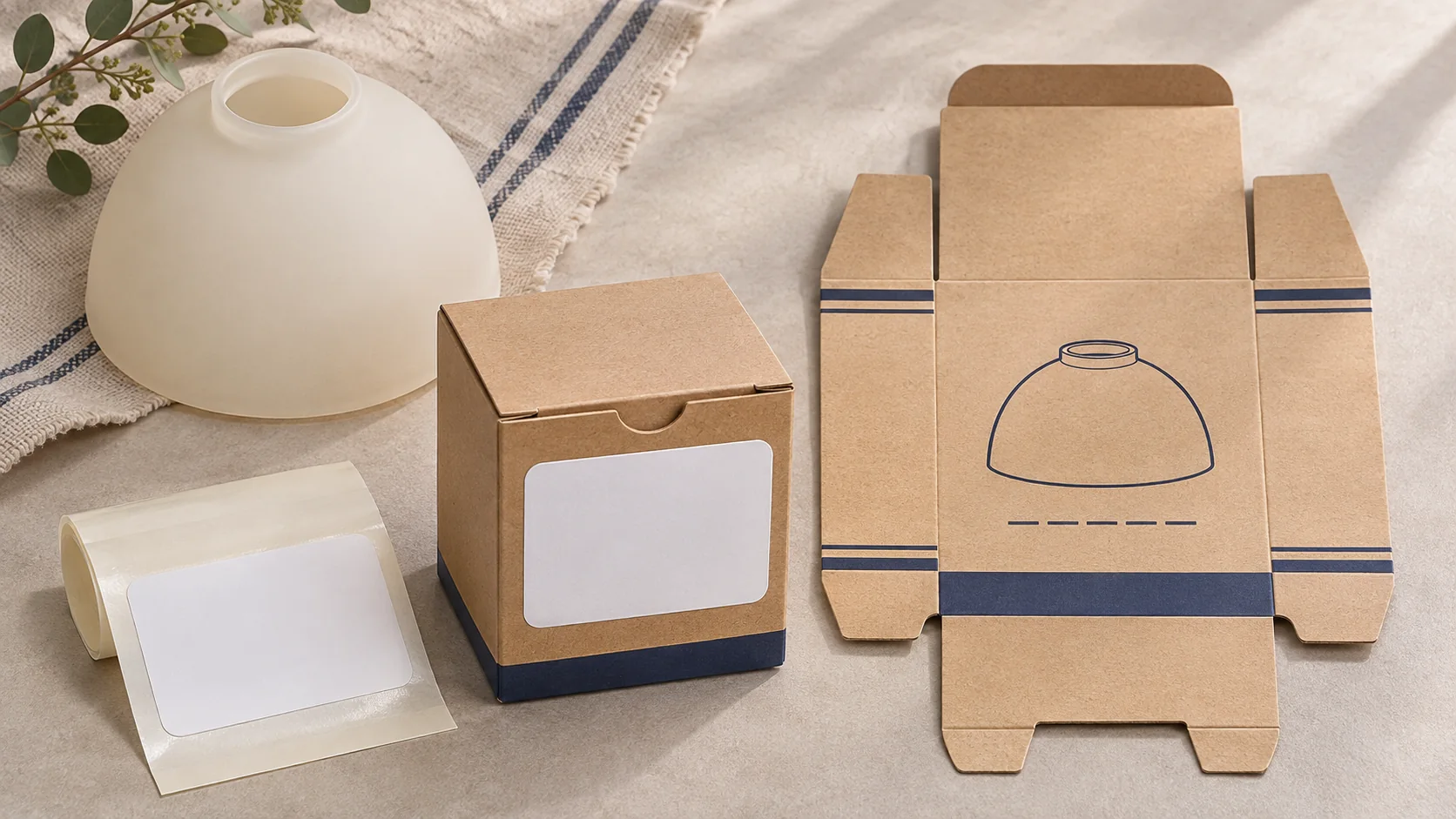
Choose a label if the same carton will serve several variants or channels and the packing station can control which label goes on each box. Direct print removes that application step, but ties the carton stock to the printed SKU and artwork version. A shared box with SKU labels can work for a pilot. Consider direct print once the same SKU reorders with stable artwork. Ask for the box-print and label costs separately so you can compare the effect of stock left over after an artwork change.
Read back the scanned value on the finished pack and match it to the buyer’s item record. Check a folded sample on the intended stock and finish because gloss, print spread or a nearby crease can change what the scanner sees. A successful scan tells you the reader decoded the symbol under those conditions. When your channel requires a verification report, agree on the grading method and acceptance criteria separately.
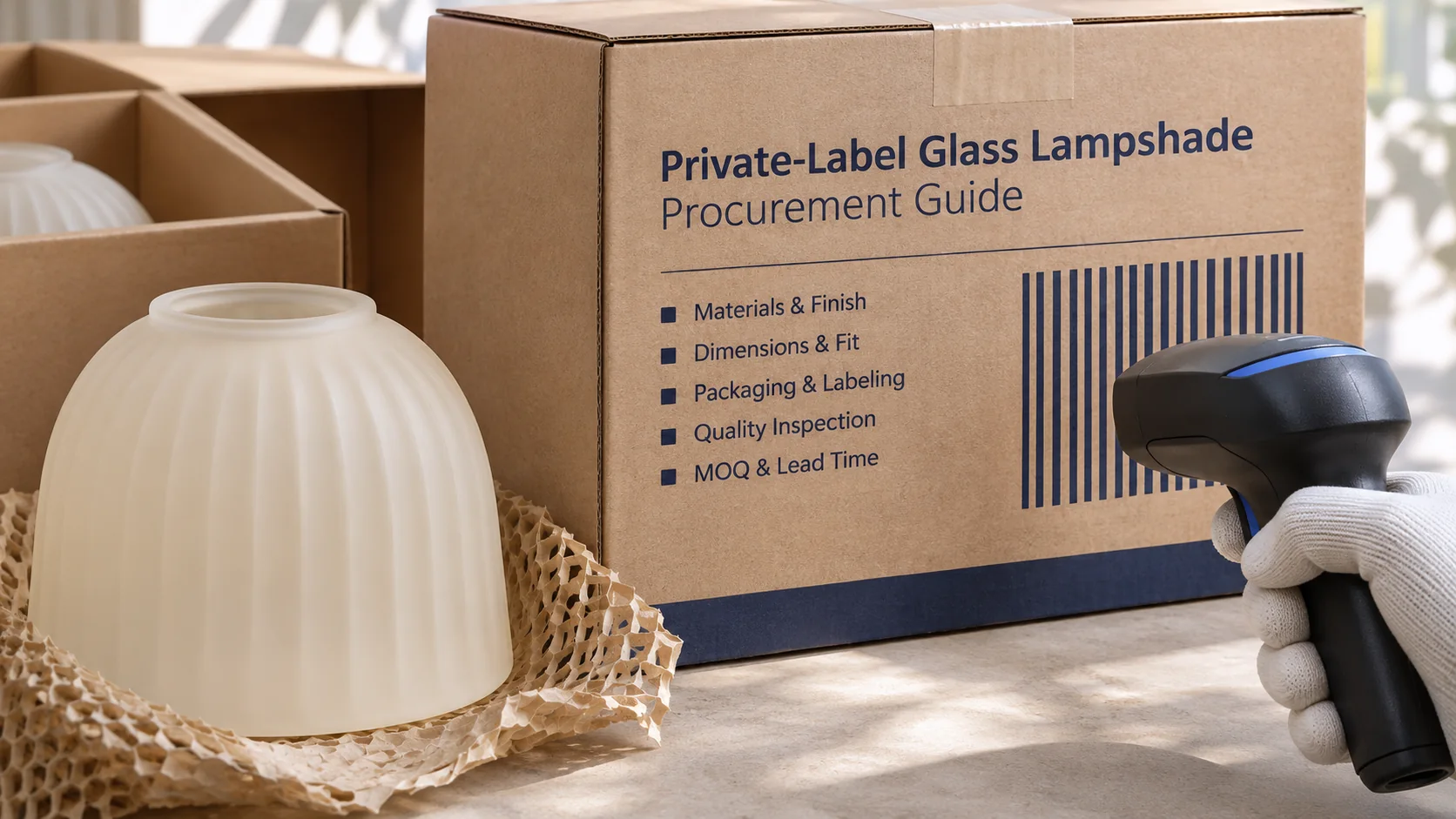
Approve the glass, package and item record together
Use one release record per retail SKU. Enter the glass drawing revision, finish reference, carton and insert revisions, approved artwork, and item-to-barcode mapping. Link the records to the same packed sample. Reject a box that scans as opal but contains smoke glass. Give packing staff a simple way to compare the glass, box and item record before sealing.
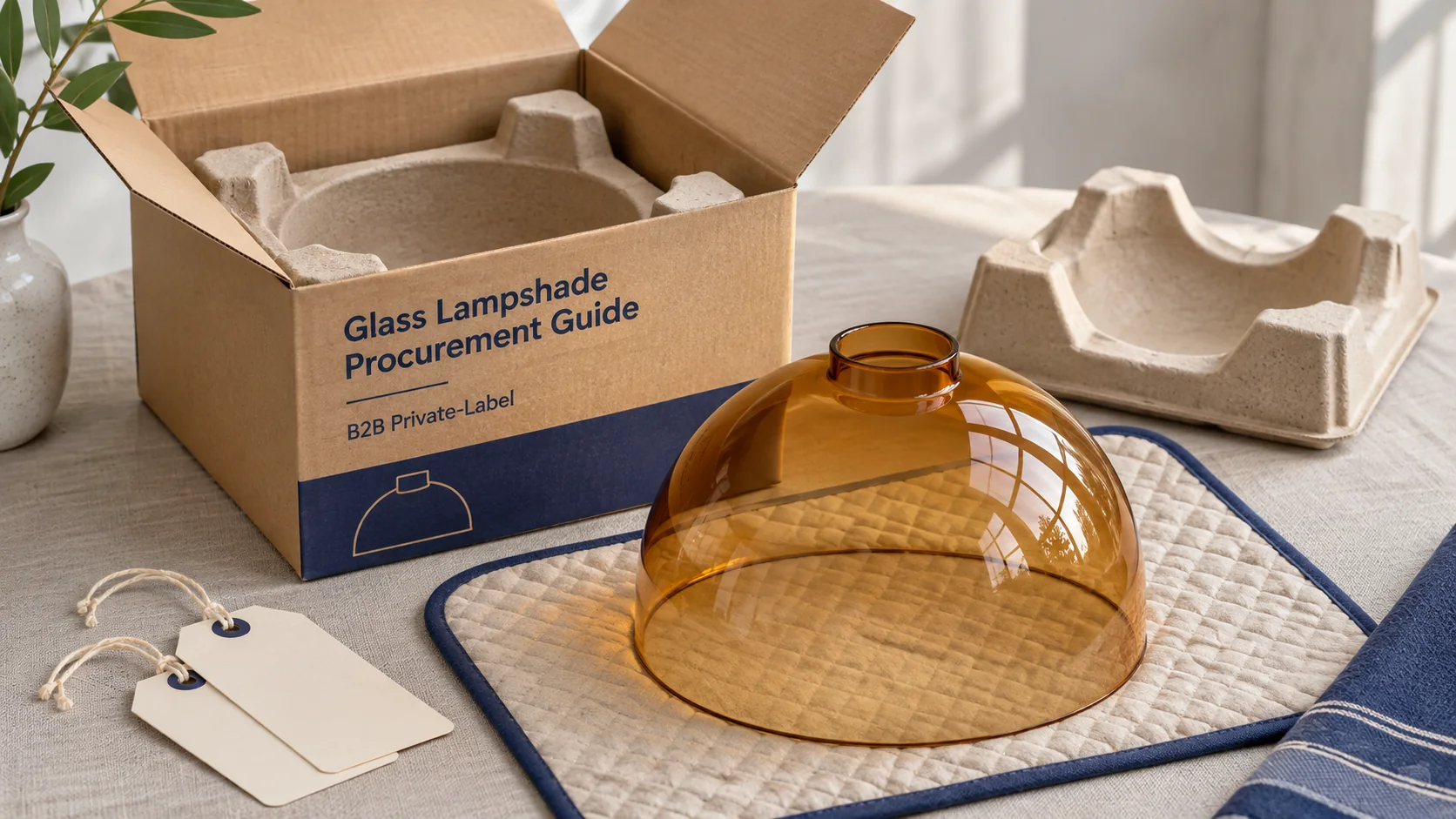
- Fit the glass. Use the intended holder or a confirmed fit gauge. Check the contact edge and, if specified, the installed logo.
- Pack and unpack it. Use the intended insert, board and closure. Check movement, contact points and the removal path.
- Check the final label. Match the human-readable digits and scanned value to the approved SKU and packaging level.
- Test the distribution pack. Choose a protocol and acceptance criteria that match the route. Agree who supplies samples and signs the result. ISTA guidance on packaging design and testing
- Control changes. Decide what must be rechecked when the glass profile, insert, carton, artwork or pack count changes.
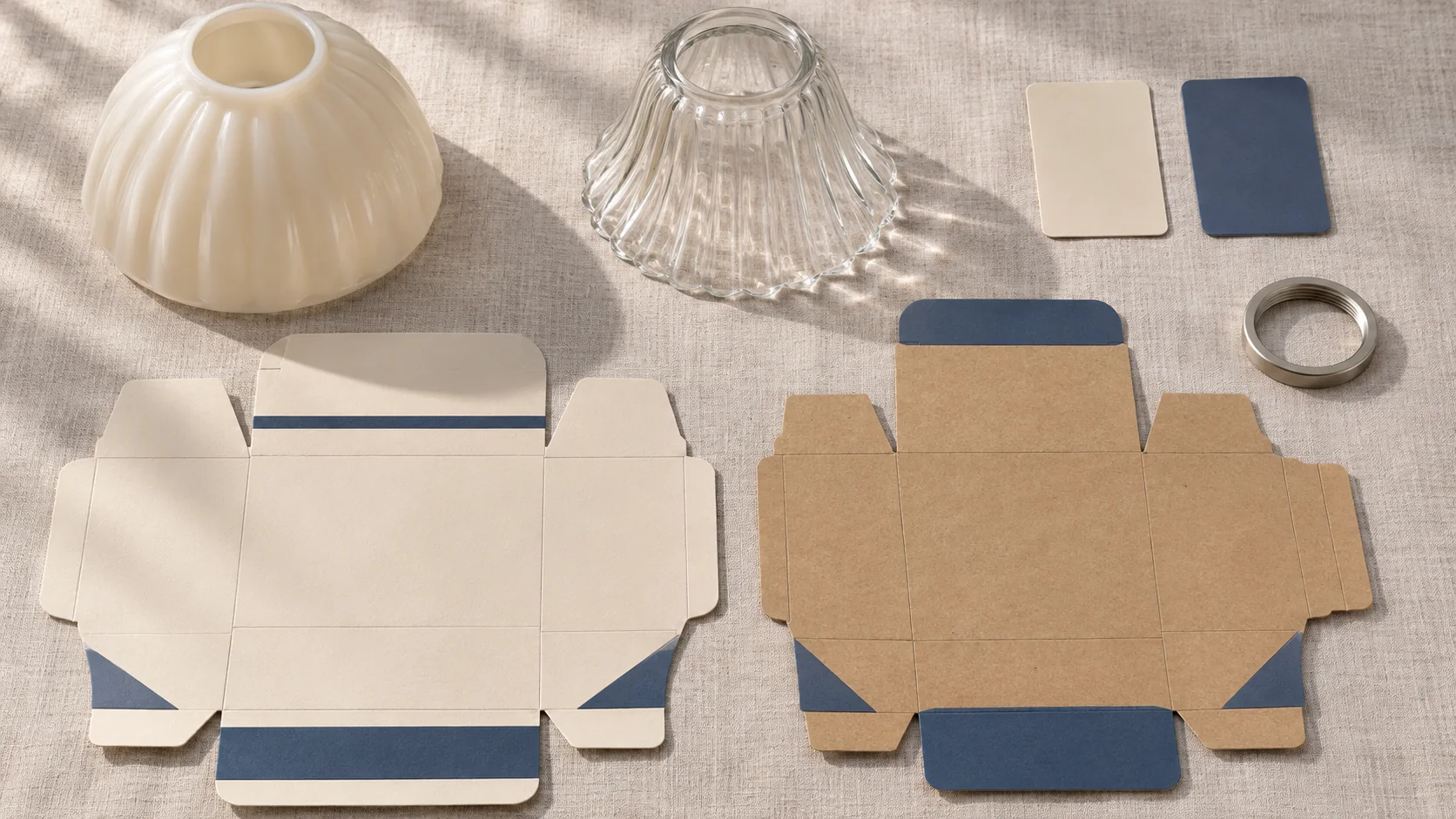
For example, if the designer moves an unchanged barcode to clear a fold, you can usually keep the existing item identity. You still need a new artwork approval and a check on the finished box. When a single becomes a sellable two-pack, set up its item record and check how the insert keeps the two pieces apart. Send both changes to purchasing before the carton supplier prints the next run.
Questions retail buyers ask before ordering
Can we use a stock glass shade with our own branded box?
Ask the supplier to quote a catalogue shade with your retail packaging. Confirm stock fit and finish first, then check carton and label minimums independently of the glass order quantity. If you need exclusivity for the shade itself, define that separately in the purchase terms.
Can one box design serve several glass colors?
Yes, if the shades fit the same protective insert and the channel accepts variable labels. Assign the item identifiers by sellable variant. Use a packing-station check that connects the physical glass color with the correct carton label before sealing.
Should a glass shade sold inside a fixture carry its own retail barcode?
If shoppers buy only the complete fixture, confirm the identifier for that offer and keep a component code in the production record. If shoppers can order the shade separately, set up the replacement shade as its own offer and document which fixtures it fits.
Should the print proof be scanned before or after the carton is assembled?
Scan the flat proof to catch an incorrect value early. Check again on the assembled, production-intent pack. Only the finished pack shows whether the fold, stock or coating interferes with the scan.
What affects the minimum order and launch date?
The glass, decoration, printed carton, insert and labels may each have different setup costs, minimums and schedules. Ask which minimum applies by shade or print version, and whether the order clock starts after glass approval, artwork approval or both.
Send the retail pack brief with your shade drawing
Give JX the shade profile, fitter dimensions or holder sample, finish, quantity per SKU and destination. Attach the packaging dieline or target box dimensions, vector logo, SKU-to-barcode mapping and any retailer instructions. State which units go to shelves, which ship individually, and which carton the warehouse receives. If you have not assigned the final GTIN, flag the item as pending and keep the proof clearly separate from production artwork.
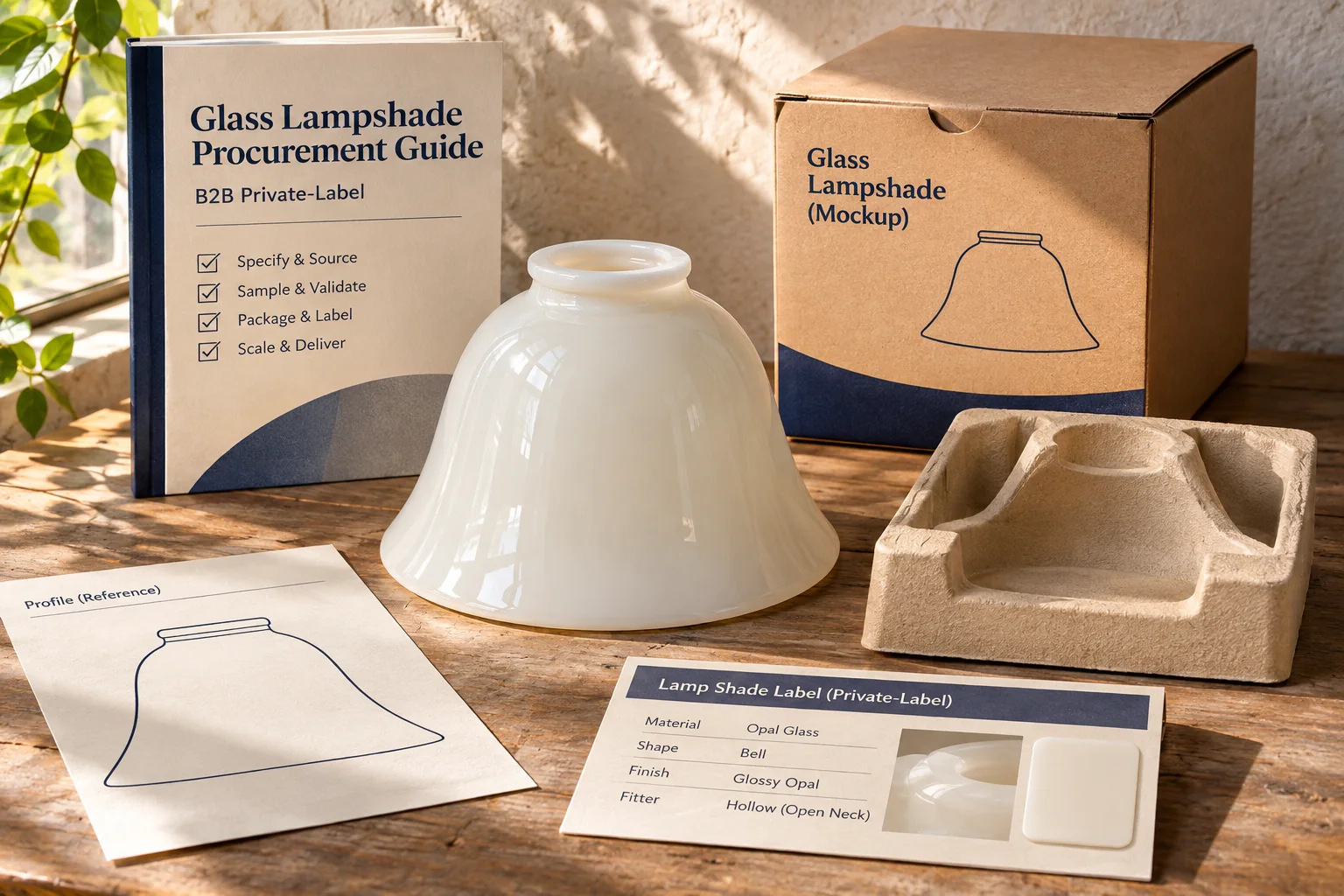
Ask for separate quote lines for the glass, marking, retail carton, protective insert, label application and any sample or packaging test. Use those line items to compare a labeled pilot and a direct-print reorder for the same shade. If you have an existing product sample, include photos of both the fitting surface and the current package so the quote can identify what needs to change.
Request a Private Label Glass Shade Quote